
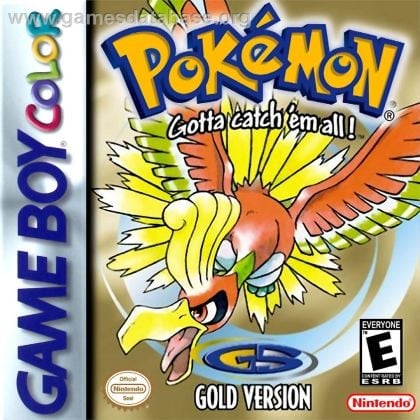
Did your Game Boy game forget your save file? An old cartridge that stops saving usually has a dead internal battery, and it’s a fixable problem.
Why old cartridges lose their saves
Many Game Boy and Game Boy Color games store saves in a small memory chip (SRAM). The chip keeps its data only while a coin-cell battery on the cartridge board powers it. After decades these batteries run down, and when they do, the game can’t keep a save. Games with a built-in clock stop keeping time too.
Signs the battery is dying
- The game says your file is missing, empty or corrupted every time you turn it off and on.
- You can save during play, but the save is gone after you turn the game off.
- In-game time or clock events stop working.
Dirty cartridge contacts can cause similar symptoms, so cleaning them is a good first step.
Not every game has a battery
Only games that save to battery-backed memory need one. Some cartridges save to memory that needs no battery, and many early games don’t save at all. On Game Boy Advance, for example, Pokémon Ruby and Sapphire use a battery, but other GBA Pokémon games don’t.
How the replacement is done
- Back up the save with a cartridge reader if you can. Removing the battery erases any save still on it.
- Open the cartridge with a 3.8mm security bit.
- Remove the old battery. Original batteries are usually tabbed and soldered to the board.
- Install a new tabbed battery (or a battery holder) and solder it in place.
- Test it: save, power off, power on, and confirm the save is still there.
Soldering next to the save chip takes care, and too much heat can damage the board. Never solder directly onto a coin-cell battery without tabs.
Battery replacement at Game Repair Shop
- Game Boy save battery replacement: $25.
- Turnaround: same-day in Omaha. 3–5 days in Lincoln. 3–5 days for mail-ins.
- Hours: 10 AM–9 PM every day. Phone: 402-703-4403.
- A save that’s already lost can’t be recovered by replacing the battery.
See all our retro console repair services, or send your cartridge with mail-in repair.